Keychain
USD 8- Size
- Up to 40 × 60 mm, 2.6 mm thick
- QR
- A link to your card at taggie.win
- Printed
- QR and your name
- Hole
- Ø 5 mm for a key ring
- NFC
- NTAG213 sticker with your link
Scan the QR or tap the NFC sticker on the back, and your contact goes straight into their phone.
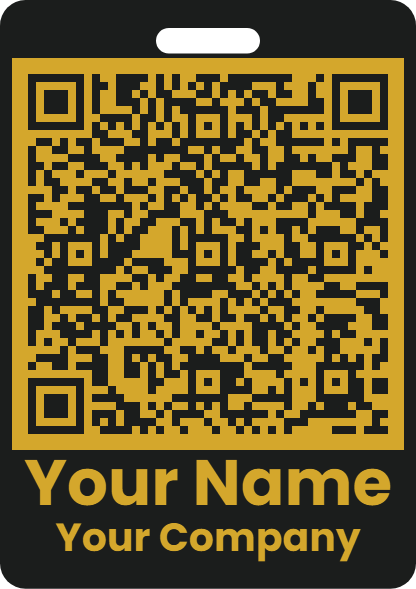
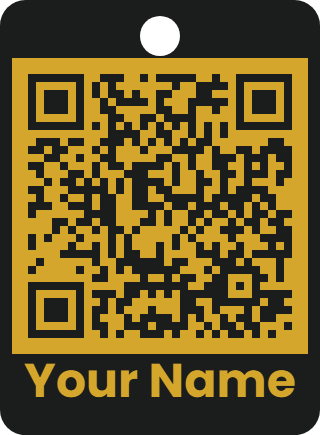
Name, organisation, title, mobile, email and LinkedIn — whatever you want on the card.
Two colours of your choice, sized to fit your QR and name.
The staff pass QR hands over your contact directly. The keychain QR opens your card at taggie.win/vcf/your-name.vcf.
| iPhone | Android | |
|---|---|---|
| QR with your contact staff pass | Camera app offers to add the contact, with no internet needed | Camera or Google Lens offers to save the contact, with no internet needed |
| QR with your link keychain | Camera app opens your card | Camera or Google Lens opens your card |
| NFC with your link keychain | iPhone XS and newer: a notification appears; tap it to open your card | Phones with NFC switched on open your card |
| NFC with your full vCard staff pass | Built-in reader skips vCard tags; an NFC reader app (such as NFC Tools) reads it, then save the contact | Most phones offer to save the contact straight away, with no internet needed |
USD 8 per tag. We'll email you to confirm your details and colours, and to arrange payment.